
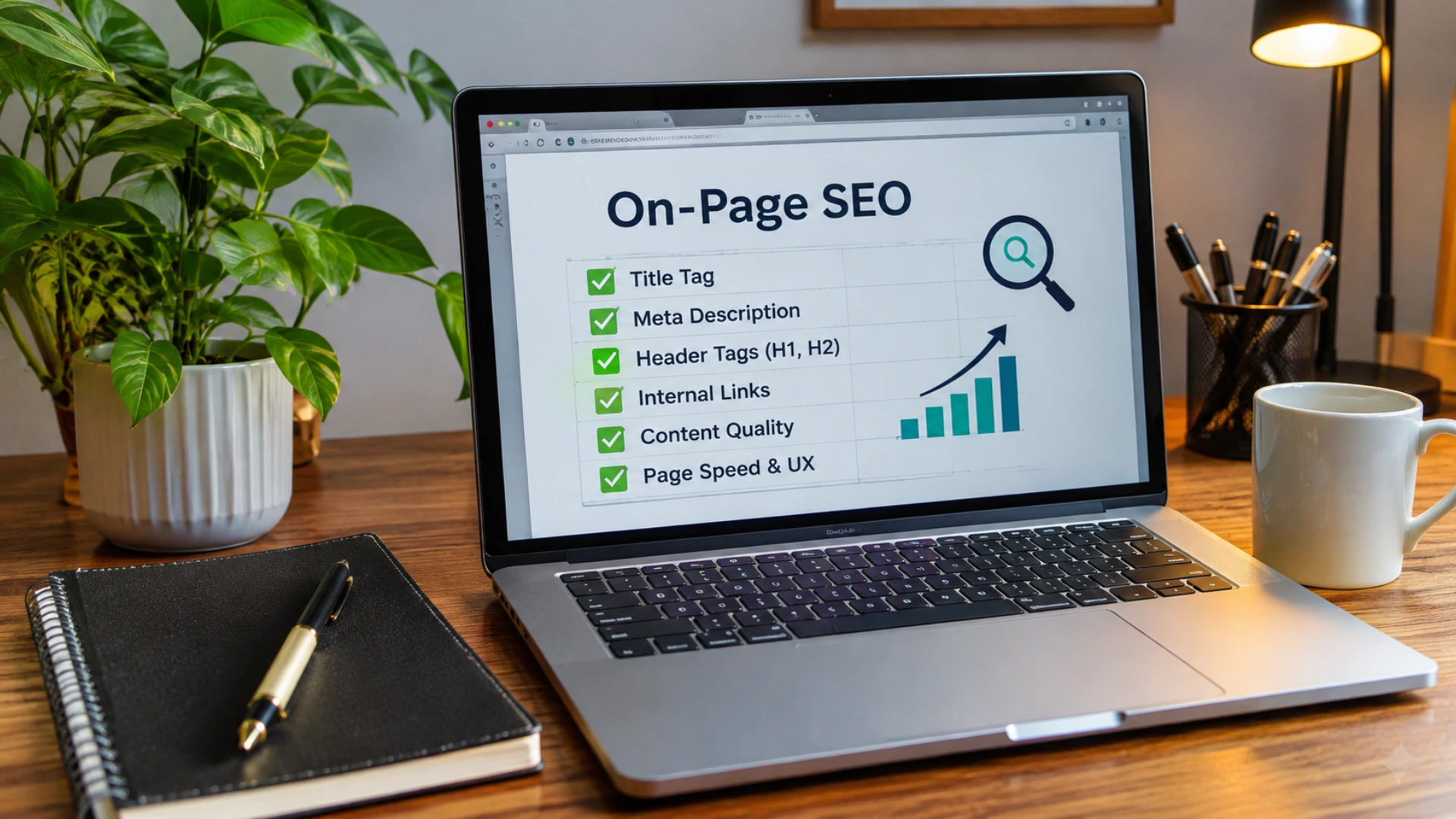
An on-page SEO checklist covers six core areas: content optimization, metadata and HTML elements, image optimization, internal and external linking, technical SEO, and advanced optimization strategies. Following these best practices helps improve search visibility, website usability, and organic rankings.
An on-page SEO checklist is a repeatable audit of the elements you control on a single URL: content, title tag, meta description, headings, images, internal links, page speed and structured data. Each element sends Google a signal about what the page is for and how well it serves a searcher.
This guide breaks the audit into seven checks. Run them in order, one page at a time. Every step ends with a result you can verify, so you always know whether the fix worked.
Some older checklists are now wrong. Google stopped showing FAQ rich results on 7 May 2026. Stuffing extra keywords into a page can breach Google's spam policies. And chasing a fixed word count wastes time, because Google says no ideal length exists.
Why On-Page Comes First: It Can Save Thousands of Dollars on Off-Page
Proper on-page SEO can save you thousands of dollars on off-page SEO.
Off-page SEO, meaning backlinks, guest posts and outreach, costs money for every link you build. A backlink passes authority to a URL, but that URL still has to rank on its own merits. If the page has the wrong search intent, a weak title tag, thin or duplicated content, a slow Largest Contentful Paint or no internal links, the extra authority cannot rescue it. You then buy more links to push the same weak page.
Fixing the page first reverses that. Every link you build later lands on a URL that is ready to rank, so each link does more work and you need fewer of them.
Here are the three reasons the order matters:
- Links cannot fix an intent mismatch. If the page type does not match what searchers want for the query, more backlinks will not change what Google shows.
- Technical faults reduce the value of a link. A slow, unstable or badly structured page wastes part of the authority that links send to it.
- Internal links multiply what you already own. Strong internal linking lets the pages you already have pass authority to your key pages, so you need fewer paid links to support them.
| Budget decision | Off-page first | On-page first |
|---|---|---|
| Where the link budget goes | Spread across pages that are not ready to rank | Focused on pages that already match intent and load well |
| Result per link | Lower, because the page limits it | Higher, because the page supports it |
| Typical outcome | More links bought to compensate | Fewer links needed for the same keyword |
How much you save depends on your niche and on how many links you would otherwise buy. The direction is the same everywhere: fix the page, then build the links. With that order in mind, here are the seven checks. For the link side, see our guide to off-page SEO strategies.
On-Page SEO Checklist and Best Practices, Check by Check
A checklist here is an ordered list of page-level tasks, and each task ends with a verifiable result. Start with your most important URL, such as your main service page. Finish all seven checks on it before moving to the next page. Step one needs nothing but a Google search and your own page.
Check 1: Map Each Page to One Search Intent
Every ranking starts with search intent, the goal behind a query. Searchers want to learn (informational), buy or hire (transactional), fix a specific problem (question-based) or find a business nearby (local). Google asks for people-first content, so a page must match the intent of its target query before anything else matters.
Assign each page one primary keyword, the main query it should rank for. One keyword per page also prevents keyword cannibalization, where two of your URLs compete for the same query. Confirm the wording with a keyword research process.
- Define the primary keyword and the question behind it. Run site:yourdomain.com "keyword" in Google. The site: operator limits results to your domain, so you can see whether another page already targets that query. Result: one primary keyword per page.
- Search the keyword and read the first SERP (search engine results page). Note which formats rank: guides, product pages or local listings. Result: you know the dominant page format for this query.
- Match your page type to that format. If every top result is a how-to guide, a sales page is unlikely to fit the intent. Result: a page type chosen from SERP evidence, not habit.
The table pairs four common intent types with the page that usually fits. When a query mixes learning and buying, read informational vs commercial differences before choosing a format.
| Search intent | What the searcher wants | Page that fits |
|---|---|---|
| Informational | Answers and explanations | Guide or tutorial |
| Transactional | To buy or hire | Product or service page with a clear call to action |
| Question-based | A fix for a specific problem | How-to guide or FAQ section |
| Local | A business near a place | Location landing page |
Check 2: Build Content That Satisfies the Query
With the intent set, the next layer is the content itself. Google's helpful content guidance, updated in October 2026, defines main content as any part of a page that directly serves its purpose. That covers text, images, tools such as calculators, and the visible title and headings. Google's search quality raters assess effort, originality, talent or skill, and accuracy. Their ratings do not change rankings directly, but they show what Google treats as quality.

- Build a question list: the queries a reader would ask about the topic. Answer each one under its own heading in plain language. Result: every question on the list has a visible answer on the page.
- Add information only you can offer, such as original data, examples or photos. Compare your draft with the top-ranking pages. Result: no section only repeats what those pages already say.
- Show authorship with a byline, role and date. This supports E-E-A-T: experience, expertise, authoritativeness and trust. Result: a reader can identify the author without leaving the page.
The do's and don'ts below turn Google's guidance into habits. They apply to every page, whatever its topic.
- Do lead with the direct answer, then add depth below it.
- Don't chase a word count, because Google says no ideal length exists.
- Do cite named sources a reader can check.
- Don't publish an author profile you cannot back up, since Google treats fabricated creator details as deception.
- Do fix facts that have gone stale, such as dates, features and thresholds.
- Don't write mainly to attract search visits, which Google's checklist flags as a warning sign.
Check 3: Optimize the Title Tag, Meta Description and Headings
Next, optimize the elements that appear in the SERP. The title tag is the page title stored in the HTML. Google builds the clickable title link in a result automatically from several sources, so the title tag you wrote may not be what searchers see. The meta description is a summary in the HTML that Google may use as the snippet, the text under the title link. Both are covered in meta titles and descriptions explained.
- Write a unique title tag for every page that describes that page in plain words. Check that no two pages share one. Result: each page can be told apart in the SERP.
- Write a page-specific meta description that summarizes the page and what a visitor will find. Result: a summary a stranger could read and know what the page covers.
- Use a single H1 that states the page topic and is the most prominent text on the page. Build the H2 to H6 hierarchy in order beneath it. Result: an outline that can be understood from the headings alone.
Before you edit, note what Google documents. Treat anything not listed here as a convention, not a rule.
- Length: Google sets no limit on title or description length, but results are truncated to fit the screen width.
- Rewrites: Google may show a different title when it finds issues such as vague, outdated or inaccurate title text.
- Descriptions: Google builds snippets mainly from page content and uses your meta description when it describes the page better.
Check 4: Clean URL Structure and Image Optimization
The URL is the page's web address. Google recommends descriptive URLs that people can read, with hyphens separating the words. Images follow the same logic. Google reads the alt text (the alt attribute), the nearby text and the captions, and takes light signals from the file name. Alt text is a short description of an image that screen readers read aloud and Google also uses.
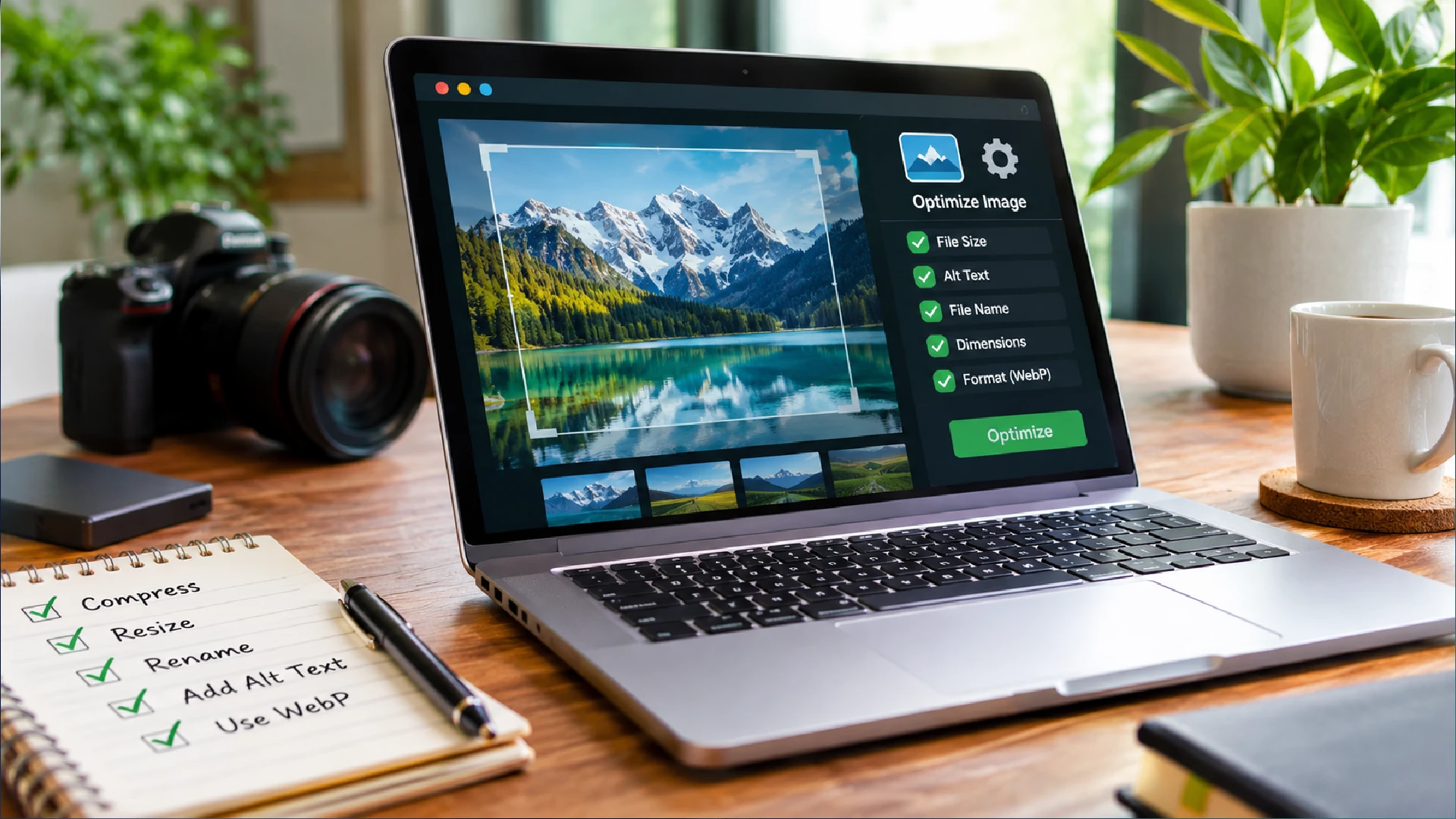
- Use a short, descriptive, hyphenated URL slug. Change a live URL only with a 301 redirect, a permanent automatic forward from the old address. Result: a URL a stranger can understand.
- Rename each image file descriptively before uploading. Result: no file on the page has a generic name like image1.jpg.
- Write alt text for every meaningful image that states what it shows in context. Result: each alt text reads like a caption that still makes sense if the image is missing.
Weak and better versions side by side make the pattern easy to copy. The file name and alt text pairs follow Google's image guidance. The URL pair is an illustration.
| Element | Weak | Better |
|---|---|---|
| URL | /page-id-12345 | /on-page-seo-checklist/ |
| File name | IMG00023.JPG | my-new-black-kitten.jpg |
| Alt text | puppy | Dalmatian puppy playing fetch |
Check 5: Build Internal Links With Descriptive Anchor Text
An internal link points from one page of your site to another. Google uses links to crawl (discover) new pages and to judge how relevant they are. The anchor text, the visible clickable words, tells users and Google what the target page is about. This is also the check that supports the off-page savings described earlier, because internal links pass authority between your own pages. More detail is in internal linking basics.
- From each important page, link to the related pages a reader would want next, using anchor text that describes the destination. Result: each link makes sense read on its own.
- Make each link a standard HTML link: an a element with an href address, not a script-only button. Quick test: right-click the link. If it offers "Open in new tab", it is crawlable. Result: every link passes the test.
- Add links from older related pages to this one, and fix any broken internal link (one that leads to a missing page). A page with no internal links pointing to it is an orphan page, and it is harder for Google to find. Result: this page has at least one internal link pointing to it and none are broken.
Anchor text is easiest to judge in pairs. Use the list below to review the links you just added.
- Do use anchor text that is descriptive, concise and relevant to the target page.
- Don't use generic anchors such as "click here" or a bare page address.
- Do leave readable text around each link so readers can tell links apart.
- Don't chain several links together with no text between them.
Check 6: Core Web Vitals, Mobile-First Indexing and Structured Data
Now check technical performance. Core Web Vitals are three Google metrics that measure real-world page experience: loading, responsiveness and visual stability. Google says its ranking systems use them, but good scores do not guarantee high rankings. Each metric is explained in our core web vitals breakdown. Google also uses mobile-first indexing, which means it indexes the mobile version of your pages, so test that version first.

- Test the page in PageSpeed Insights, Google's speed tool, and record the LCP (Largest Contentful Paint), INP (Interaction to Next Paint) and CLS (Cumulative Layout Shift) results. Result: three numbers saved as your baseline.
- Fix the largest offenders first: compress oversized images, set explicit width and height on every image, and defer scripts the page does not need at load. Result: the failing metric improves on retest.
- Open the page on a phone and compare it with the desktop version. Result: the same text, images and structured data appear on both.
- Add structured data, code that labels page details for search engines, and make sure it matches the page. Use BlogPosting for posts, LocalBusiness for local pages and Product for store items. Validate it in Google's Rich Results Test. Result: the tool reports no critical errors.
The table shows the targets Google publishes for each metric. A page passes when at least 75 percent of real visits meet the good value. PageSpeed Insights also shows field data from real users when enough exists. Google itself says chasing a perfect score for SEO alone may not be the best use of your time.
| Metric | What it measures | Good | Poor |
|---|---|---|---|
| Largest Contentful Paint (LCP) | How fast the main content appears | 2.5 seconds or less | Over 4 seconds |
| Interaction to Next Paint (INP) | How quickly the page reacts to taps and clicks | 200 milliseconds or less | Over 500 milliseconds |
| Cumulative Layout Shift (CLS) | How much the layout jumps while loading | 0.1 or less | Over 0.25 |
Google recommends writing structured data in JSON-LD, a block of code kept separate from the visible text. No markup guarantees a rich result, an enhanced search listing such as star ratings. FAQ rich results, the expandable question boxes, stopped appearing on 7 May 2026. The markup can stay on the page, but it no longer produces a visible result. A wider introduction is in our schema markup overview.
Check 7: Measure in Search Console and Refresh Pages
The last check proves whether the work paid off. Google Search Console is Google's reporting tool for the clicks (visits from a result), impressions (each time your page appears in results) and search queries a page earns. Its performance report shows both your starting point and your results. A fuller method is in search performance tracking basics.
- Record the page's clicks, impressions and main queries in Search Console before you change anything. Result: a dated baseline you can compare against.
- After you publish the edits, request a recrawl of the page in Search Console. Result: Search Console confirms the request was submitted.
- Compare clicks and impressions for equal periods before and after the edits. Result: a recorded decision to keep, refresh or leave the page.
If clicks fall after your edits, work through three checks in this order before changing more. Each one narrows down the cause, so stop at the first check that explains the drop.
- Biggest drops first: find the pages and search types that lost the most clicks.
- Self-check: test the page against Google's content questions, such as whether it adds original value.
- Page experience: check the Core Web Vitals report in Search Console for the same pages.
How On-Page Work Changes by Business Type
The seven checks apply to every site, but each type of site carries a different main risk. This section covers three types: a local service business, an ecommerce store and a content publisher. Each note names the risk Google's documentation points to. Use the one closest to your site to decide which checks deserve extra time.
Local Service Business
Local businesses usually need pages tied to a place. A page for each service area should carry details found nowhere else on the site, not a swapped city name. Google's spam policies name doorway pages, so near-identical location pages carry real risk. Google also supports LocalBusiness structured data, which gives a place to state name, address and opening hours.
- Metric Search Console queries that include your city or service area.
- Risk Opening hours or address in markup that differ from the page.
- Tool Rich Results Test for LocalBusiness markup.
Ecommerce Store
Product variants need the most care on a store. Google's ecommerce guidance asks for a unique, identifiable URL for each variant, repeated identically in internal links, sitemaps (page lists for search engines) and canonical tags (labels naming the preferred address). Google also publishes separate guides for product markup, so settle URL handling first and add markup second.
- Risk Product markup that disagrees with the visible price or stock.
- Metric Core Web Vitals report for product and category pages.
- Tool PageSpeed Insights on one category and one product page.
Content Publisher
Publishers hold large archives of older posts. Google's helpful content guidance warns against changing a page's date when its content has not changed significantly. It also says that adding or deleting many pages to seem more current does not work. BlogPosting markup can help Google show better title text, images and date information.
- Tool Rich Results Test for BlogPosting markup.
- Risk Obsolete titles, such as an old year left in the title.
- Metric Clicks and impressions on refreshed posts.
Services That Support On-Page Work
On-page work is one part of a wider SEO plan. These services cover the site types discussed above. Each card names a service and the kind of site it suits. Choose the one that matches your site, or contact us if you are unsure which fits.
On-Page Mistakes and When to Bring in Help
A mistake here is a change that looks helpful but works against the page. The ones below come from Google's own warnings, and each names the cost. Check them after the seven checks, because several are easy to introduce while fixing something else. A short note at the end says when an outside review is worth asking for.
- Keyword stuffing. Repeating the same words in titles, text or alt text can make a result look spammy and may lead Google to treat the page as spam, as covered in common SEO mistakes.
- Identical descriptions across pages. Google says identical or similar descriptions are not helpful, and repeated boilerplate titles make two pages impossible to tell apart.
- Lazy-loading the main image. Lazy-loading defers an image until it scrolls into view. Google's Martin Splitt warns that applying it above the fold, such as to a hero image, can delay Largest Contentful Paint.
- Important images set as CSS backgrounds. Google does not index CSS images, so a picture placed that way can go unseen in image search.
- Using robots.txt to hide a page. It can stop crawling but may not prevent indexing, and Google may then build the title from other sites' anchor text.
Get Help Applying This Checklist
Seven checks on every page add up quickly, especially when each page needs its own fixes. If you would rather hand the work to specialists, start with a conversation about which pages matter most. You can use the contact page or message SeoPez on WhatsApp. Tell us which pages you want checked first.
On-Page SEO Questions Answered
These questions come up when people start working through the checks on their own pages. Each answer adds detail that the steps above did not cover. Where Google gives no official rule, the answer says so instead of guessing.
What is the difference between on-page and off-page SEO?
On-page SEO covers what you control on your own pages: content, code labels, images and links between your own URLs. Off-page SEO covers signals from other sites, mainly links pointing to yours. Google's spam policies treat links meant to manipulate rankings as link spam, so off-page work should earn links, not arrange them. Doing on-page first also protects your off-page budget, because links sent to a weak page are partly wasted.
How long does on-page SEO take to work?
Google has to recrawl and reprocess a page before changes to sources such as titles appear, which can take a few days to a few weeks. Ranking movement after that depends on the query and on competing pages, and nobody can promise a position. Judge a change after that window, not the next morning.
Do I need technical knowledge to do on-page SEO?
Not for most content tasks. Google notes that a content management system (CMS) such as WordPress, Wix or Blogger may offer a search settings page for meta tags. That means titles and descriptions can usually be edited without touching code. Check that settings page before asking anyone for code changes.
How often should I update my on-page SEO?
Google publishes no refresh schedule, so tie updates to triggers. Good triggers are a drop in clicks, a competitor's newer page outranking yours, or a fact on the page going out of date. Review the page against Google's content questions each time, and record what you changed so you can judge whether it worked.
Can on-page SEO alone improve my rankings?
It can help, but it is one input among many. Google describes content quality through E-E-A-T, meaning experience, expertise, authoritativeness and trust, and calls trust the most important. Content does not have to show all four, since some pages help through experience and others through expertise. No single change guarantees a position.
Pick the page that matters most to your business and run it through all seven checks this week. Fix that one page properly before copying the routine across the rest of the site. When the page itself is sound, you can spend on links with far less waste. The next layer is off-page SEO strategies, which covers signals from other sites.
Want us to handle it for you?
See the sites, the numbers and the price before you order.